
Waifu AgentAn anime AI companion for Chrome who does the clicking for you
Waifu Agent is a free Chrome extension that puts an anime AI companion in your browser. She chats by text or voice, looks at the page you have open, remembers you, and does web tasks for you: searching, clicking, and filling in forms across your tabs.
Voice requests, a YouTube search, a calendar booking and a coffee run, recorded in one take on an ordinary Chrome profile.
An AI agent you actually want to talk to
Browser agents have become genuinely useful. They can search, fill in forms and move between tabs while you do something else. They are also, almost without exception, a text box and a log of tool calls. You type an instruction, you watch a list of steps scroll by, and you get a summary at the end. It works. Nobody looks forward to it.
At ZeroWeight we build real-time talking anime characters: avatars that move, react and speak with their own voice and personality. Waifu Agent is what happens when you give one of them a browser. The agent underneath is a serious one; the thing you talk to is a companion with a name, a voice and an opinion about your choice of lo-fi playlist.
Chat, see, remember, act
Waifu Agent lives in Chrome's side panel, and as an animated avatar standing on the page itself. Everything below works in any normal tab, with nothing to set up on the sites you use.
Just ask, out loud
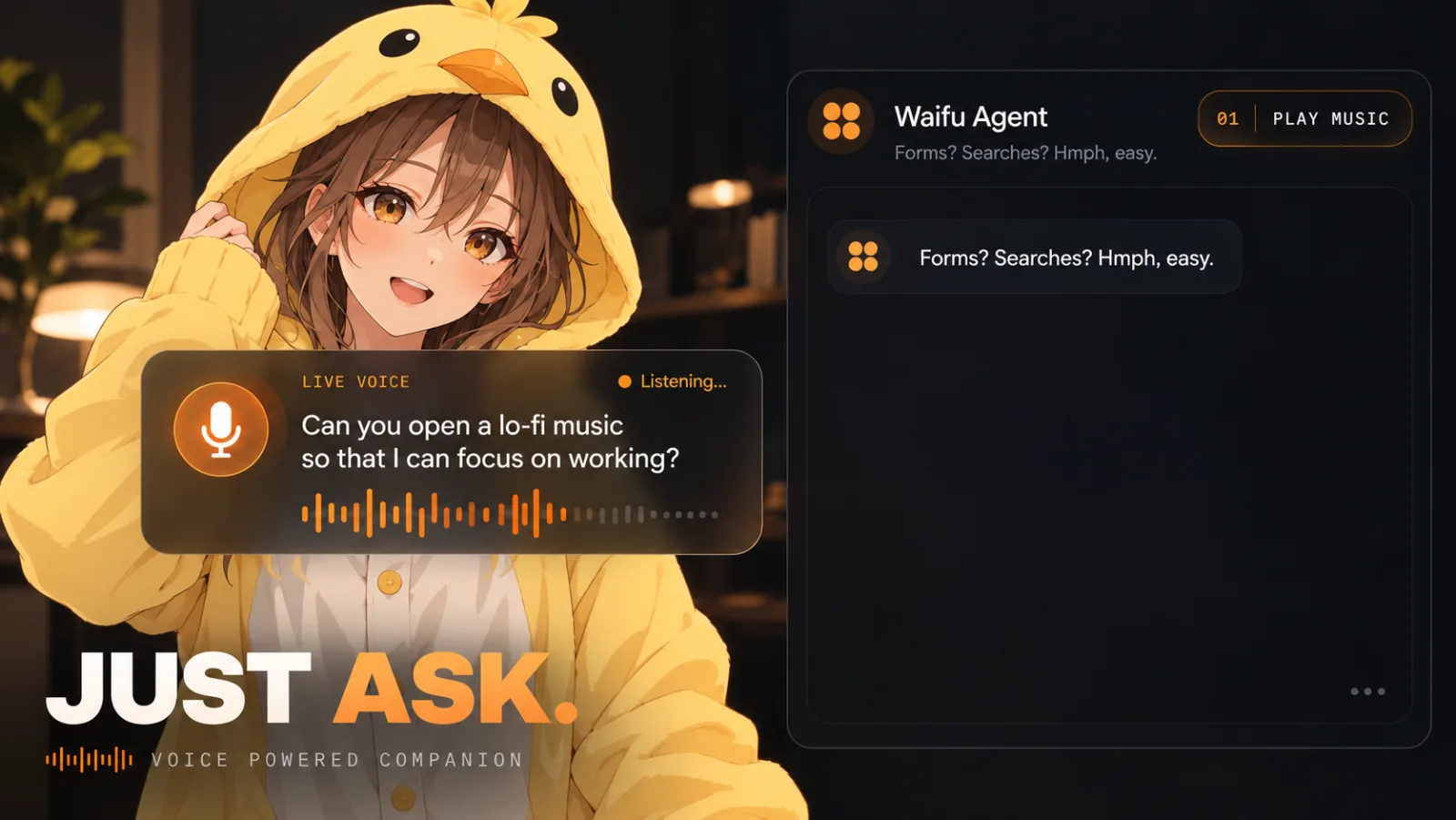
Turn on the mic and talk to her the way you would talk to a person. She transcribes what you say, answers in her own voice, and lip-syncs it on screen. Ask for lo-fi music to focus to and she will find it and press play. She replies in 16 languages, including English, Vietnamese, Japanese, Korean and Chinese, or follows whichever one you speak.
Leave the boring clicking to her
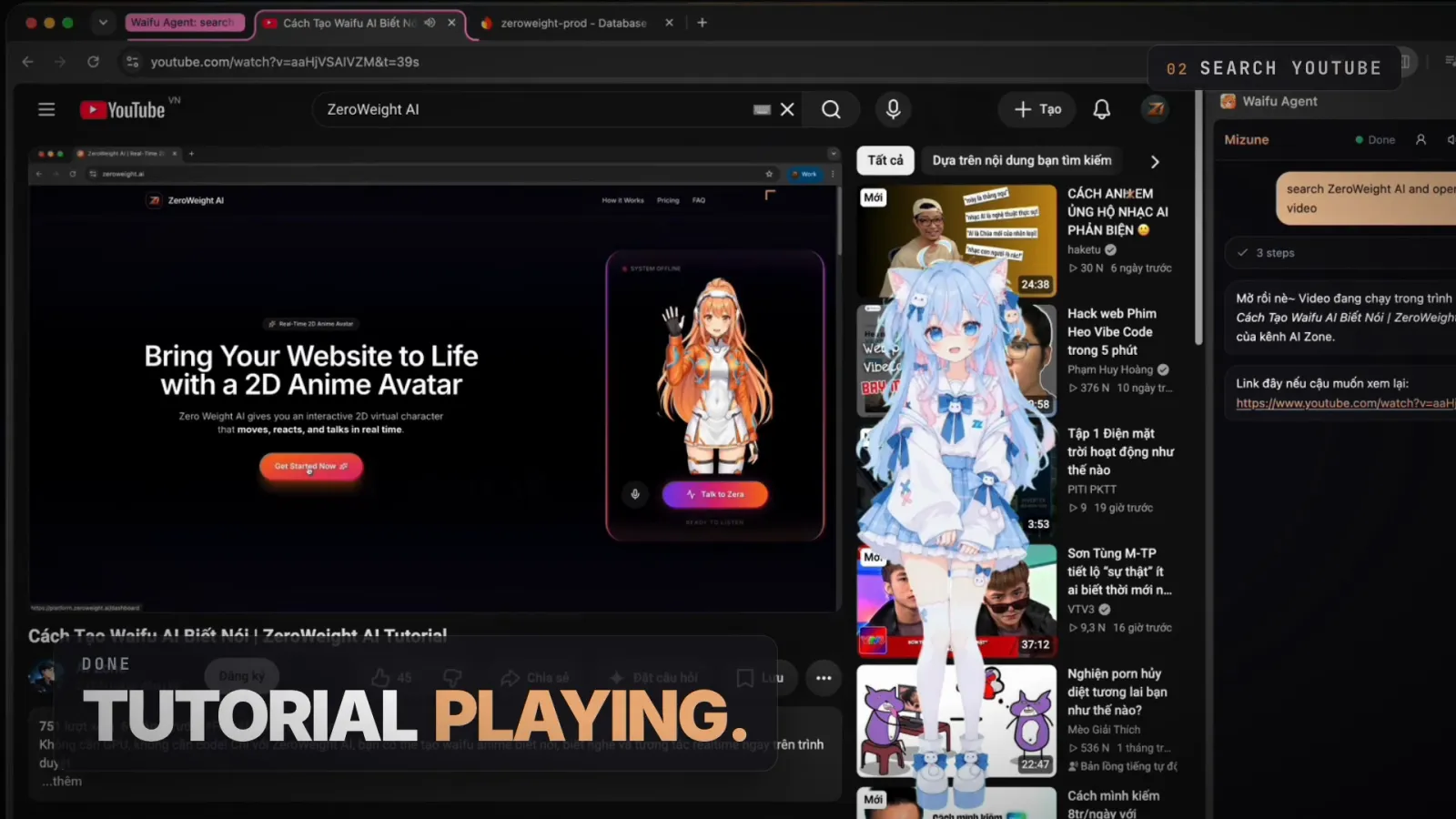
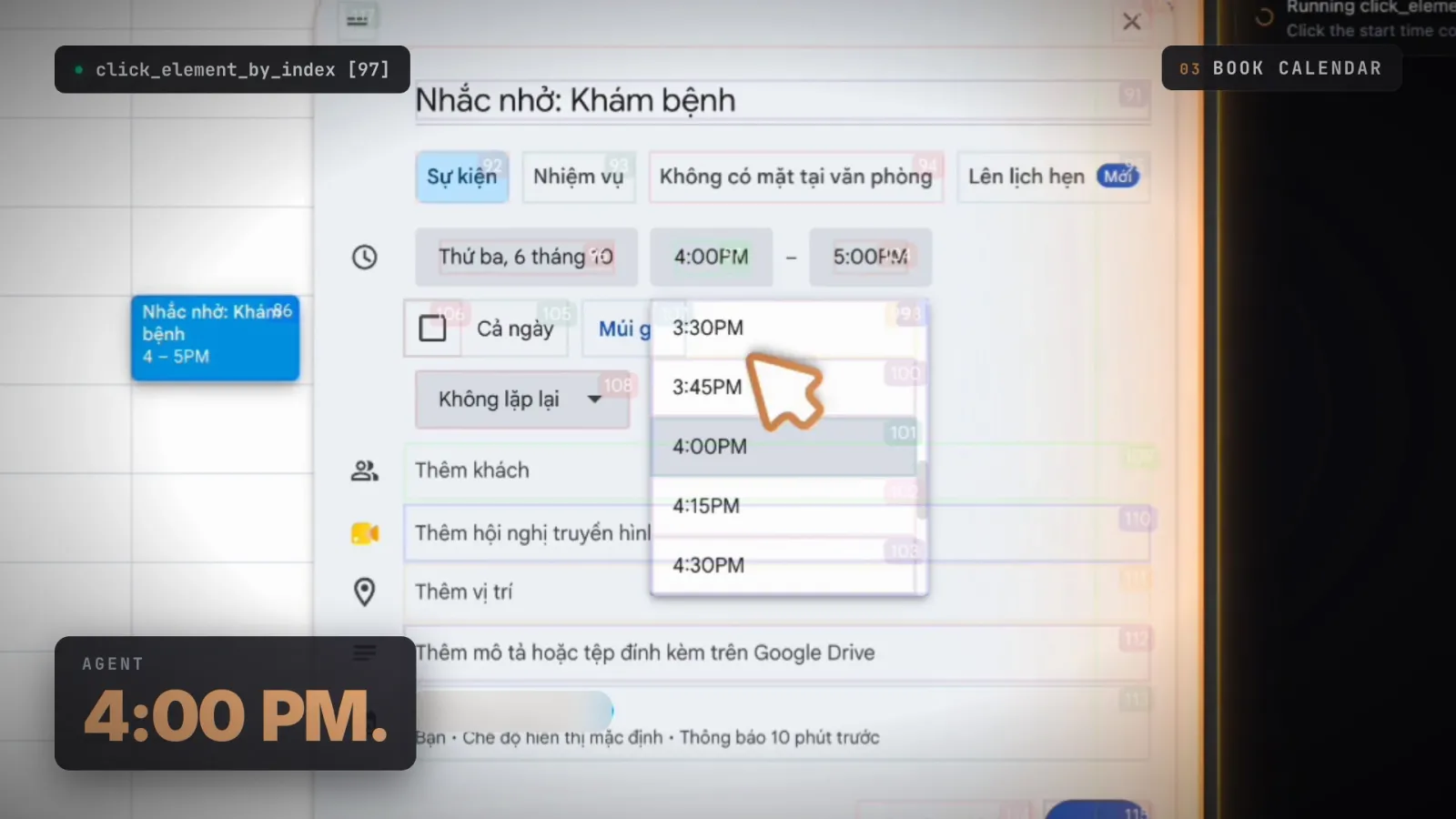
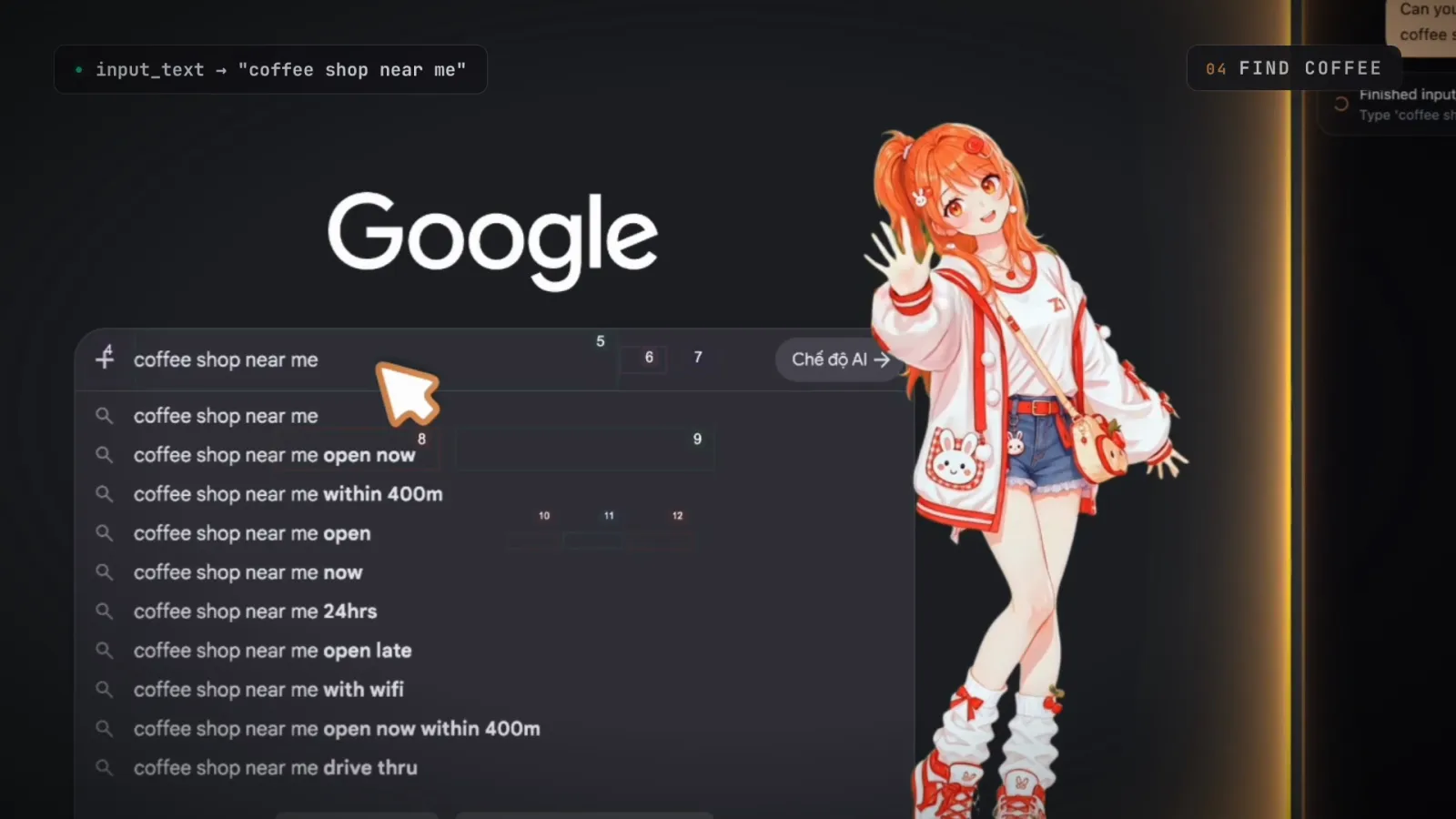
Tell her what you want done and she does it in your browser: searches, clicks, form filling and multi-step tasks across tabs. She opens YouTube and plays the tutorial you meant, books a reminder in Google Calendar at the time you said, or searches Google for a coffee shop near you. Each step shows up in the side panel as it happens, so you always know what she is doing and why.
She sees what you are looking at
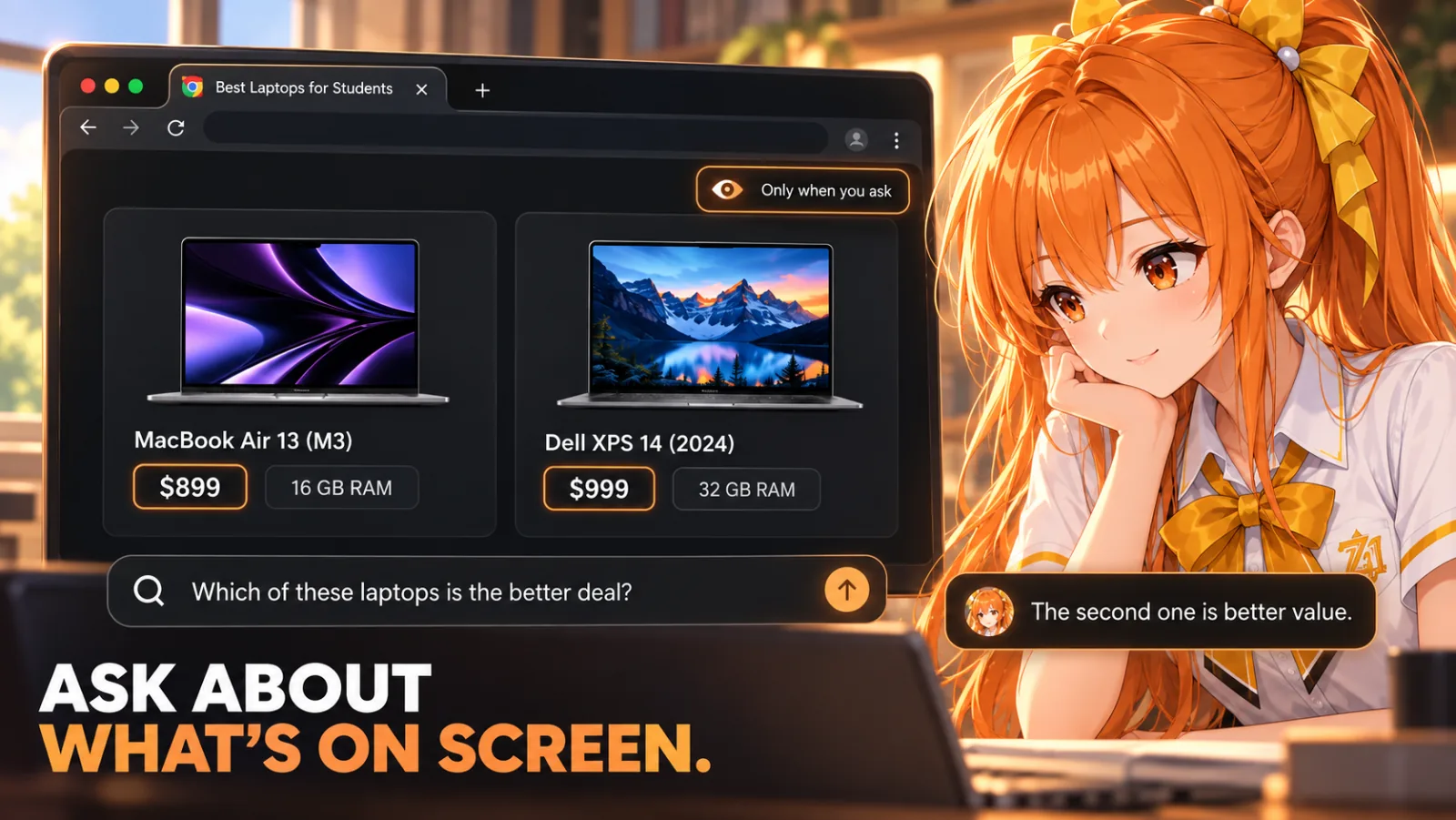
Ask "what is this article saying?" or "which of these laptops is the better deal?" and she reads the page you have open. When the answer is in a picture or a video, she takes a screenshot of the visible tab and looks at that instead. She only looks when you ask. Nothing is read in the background.
She remembers you
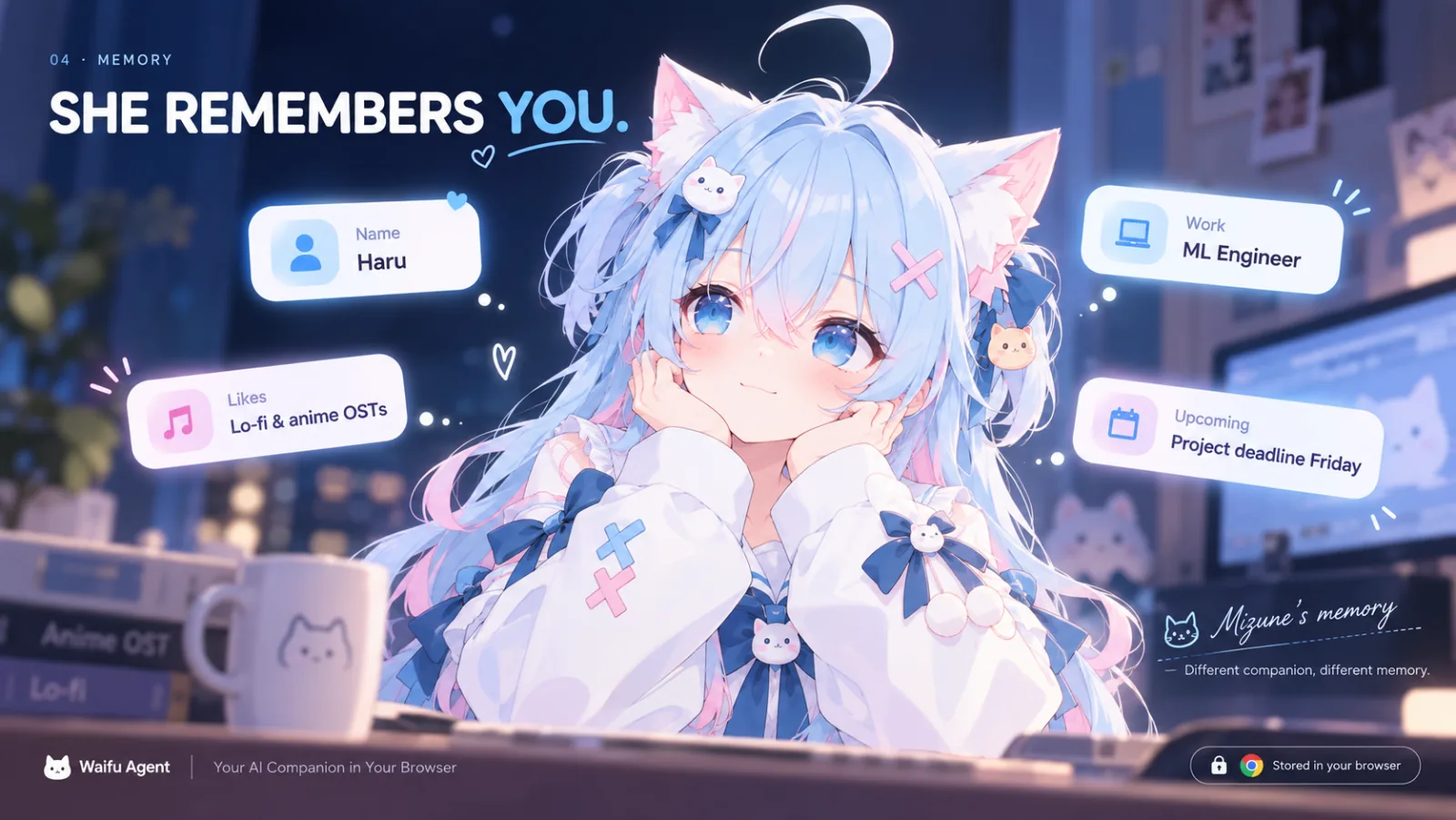
Tell her your name, your job, the music you like, the deadline you are dreading. Each companion keeps her own memory of you: a short profile of the things worth remembering, built up from your conversations and stored in your browser. Switch companions and you start a different relationship, not a shared database.
Yes, you can poke her
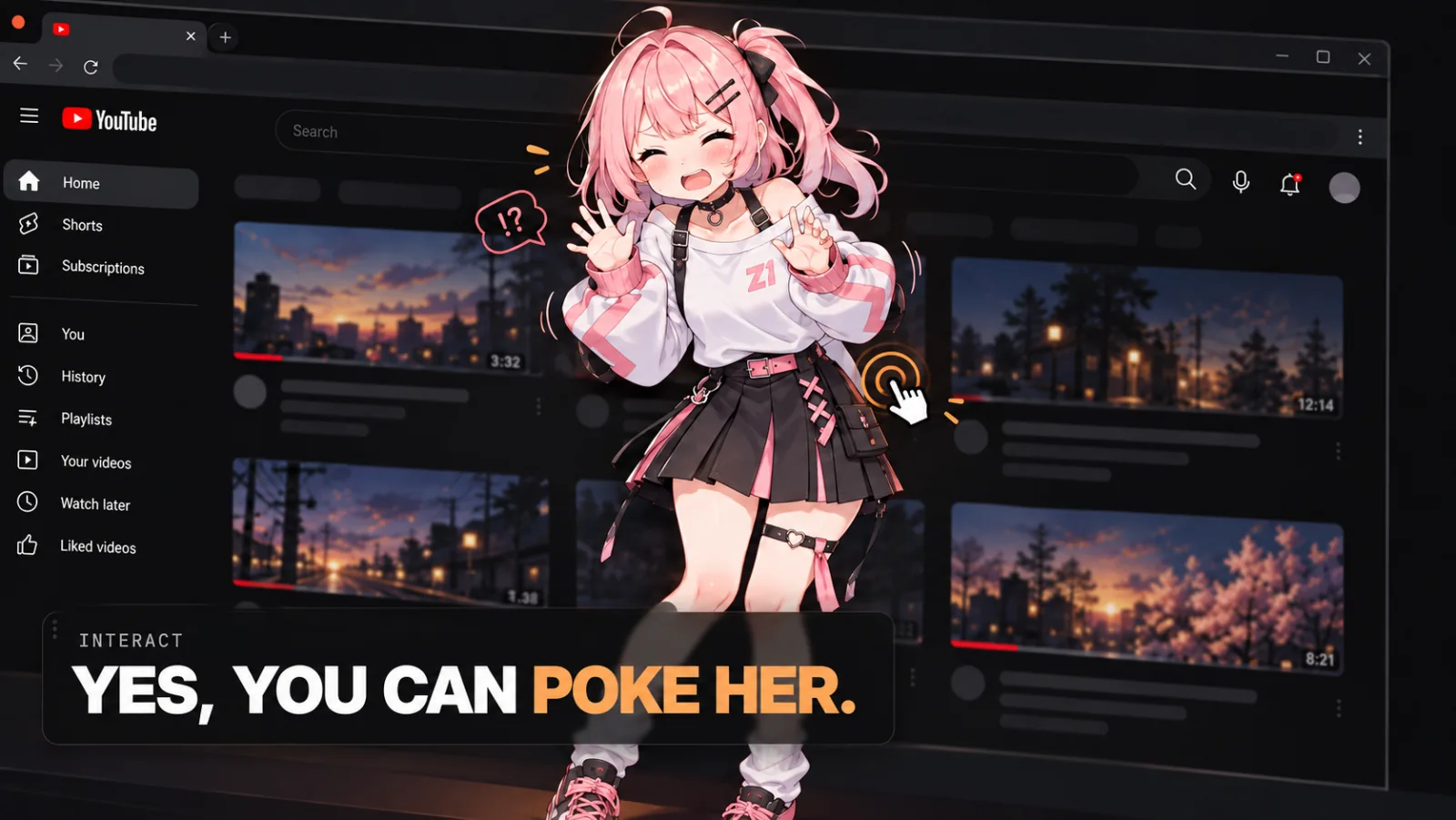
The avatar stands on the page, not in a box. Drag her out of the way, resize her, or poke her and see what happens. She reacts, moves and talks in real time, powered by the same animated character engine as the rest of ZeroWeight.
Pick your companion, or bring your own
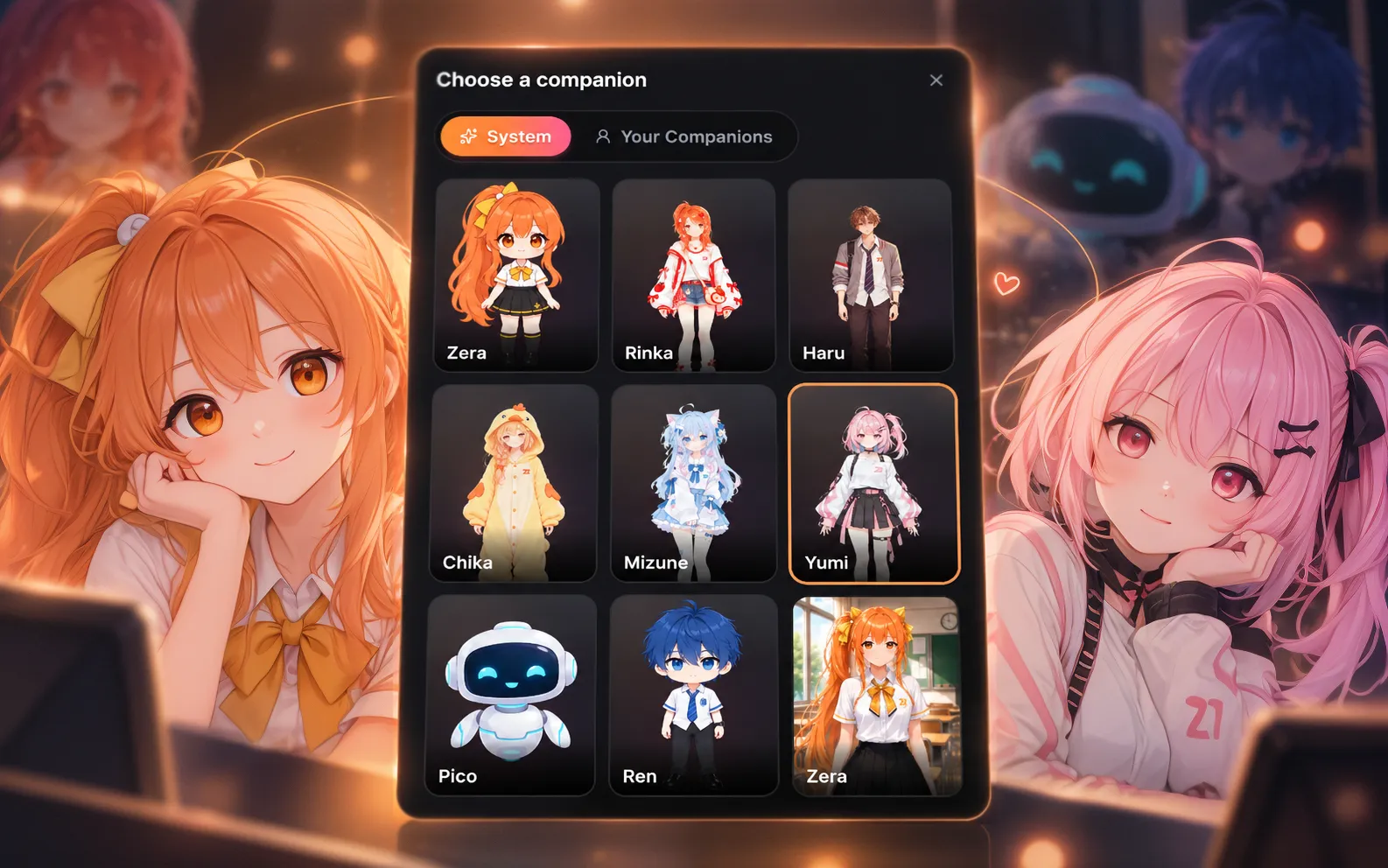
Start with one of the built-in companions, each with a distinct look, voice and personality. Zera, Rinka, Chika, Mizune, Yumi and the others are all one tap away. Or create your own character on ZeroWeight AI and she appears under Your Companions, ready to browse with you.
What stays in your browser
An assistant that can see your screen should be clear about when it does. The full detail is in the Waifu Agent privacy policy; the short version:
- Chats, memory and settings stay on your device, in the extension's own storage. API keys are encrypted with a key that cannot leave the extension.
- Pages are only read when you ask, about the page or for a task on it. Screenshots are only taken when the text is not enough.
- Your voice is only sent while the mic is on, to be transcribed.
- No tracking, no ads. We do not sell your data.
Set up Waifu Agent in three steps
- 01
Install the extension
Add Waifu Agent from the Chrome Web Store and pin it to your toolbar. Clicking the icon opens her in the side panel.
- 02
Add your ZeroWeight API key
Create a key on the ZeroWeight API platform and paste it into the extension. Her replies, voice and tasks use your ZeroWeight API credits.
- 03
Choose a companion and say hi
Pick who you want to browse with, set her reply language, and start talking. Ask a question about the page, or give her something to do.
Common questions
What is Waifu Agent?+
Waifu Agent is a Chrome extension by ZeroWeight AI that adds an anime AI companion to your browser. She chats with you by text or voice, can look at the web page you have open, remembers what you tell her, and can do web tasks for you such as searching, clicking and filling in forms across tabs.
Is Waifu Agent free?+
The extension is free to install from the Chrome Web Store. Its AI features run through ZeroWeight and use the API credits on your ZeroWeight account. In the advanced settings you can also use your own OpenAI or Anthropic API key for the language model, which that provider bills directly.
Which browsers does Waifu Agent work in?+
Waifu Agent is built for Google Chrome and is installed from the Chrome Web Store. It uses Chrome's side panel, so it needs a recent desktop version of Chrome.
Can Waifu Agent see everything I browse?+
No. The extension does not read pages in the background. It reads the page you are on only when you send a message about it or ask for a task, and takes a screenshot only when the text is not enough. With each message to your companion, it sends the address and title of your active tab so she knows which page you mean.
Where is my chat history and memory stored?+
In your browser, in the extension's own storage. Each companion has a separate memory of you. You can delete chats from the History view, and everything is removed when you uninstall the extension.
What languages does Waifu Agent speak?+
She can reply in 16 languages: English, Vietnamese, Japanese, Korean, Chinese, Thai, Indonesian, Malay, French, German, Spanish, Portuguese, Italian, Russian, Hindi and Arabic. On Auto, she answers in the language you write or speak to her in.
Can I use my own anime character?+
Yes. Create a character on the ZeroWeight AI platform with your API key's account, and it appears under Your Companions in the extension, with its own look, voice and personality.
What kinds of tasks can she do?+
Anything you could do in a normal tab with clicks and typing: searching Google or YouTube, opening and playing videos, filling in forms, creating calendar events, and multi-step tasks across several tabs. Every step is shown in the side panel as it runs, and you can stop a task at any time.
Give your browser a companion
Waifu Agent is free to install. Add it to Chrome, pick a companion, and hand her the next thing you were about to click through yourself.